Build with AI and keep your project code
Youmake generates project code that you can export. This gives you a path to work with a developer, use your own development tools, or move to another deployment setup.
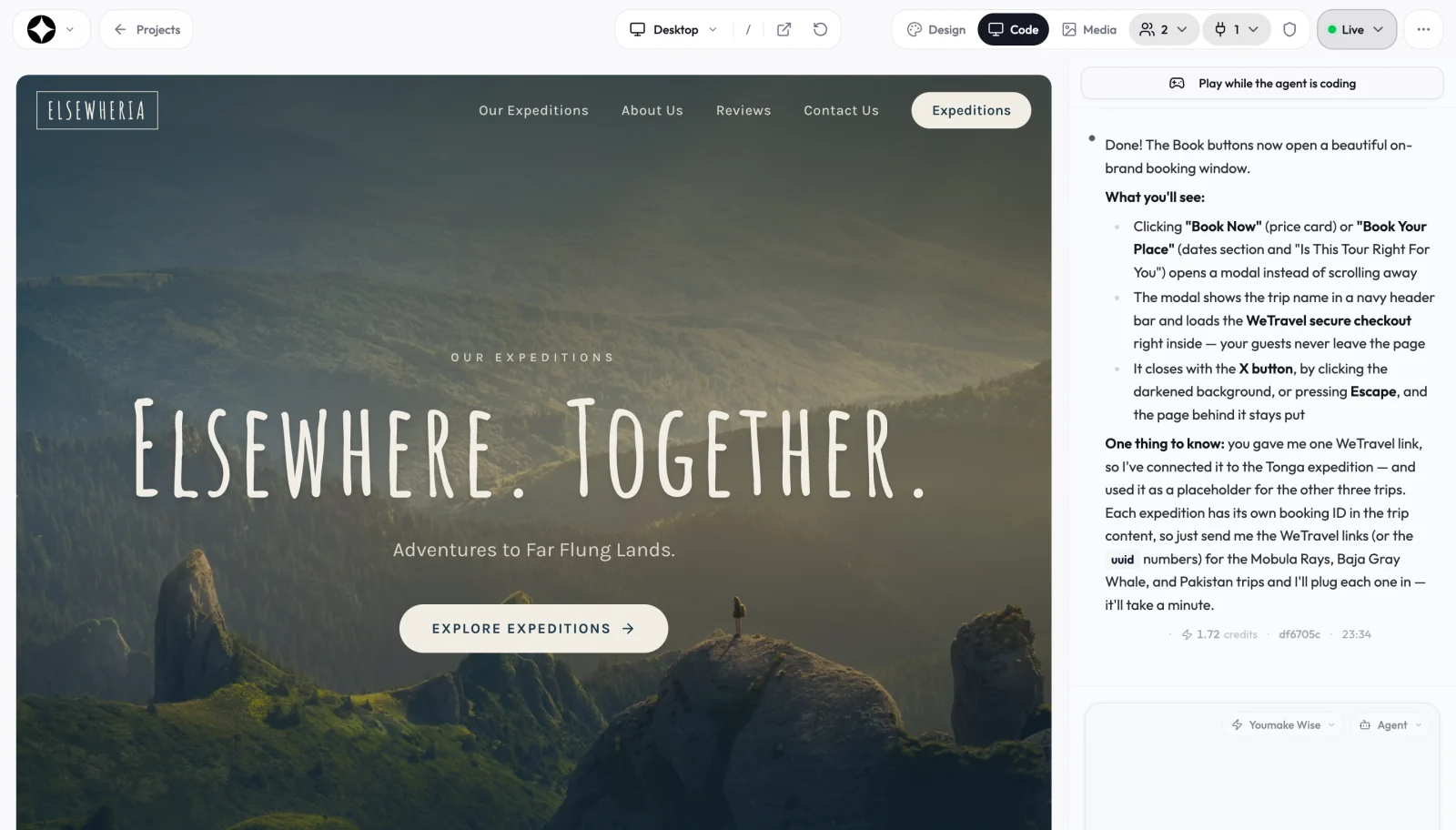
Review the generated project
Use the project editor and preview to inspect your application. Keep a record of the build command, runtime requirements, and environment variables your app needs.
Export or connect your repository
Use the project’s download/export controls or its GitHub integration to obtain the code. Keep credentials out of source control and check that the exported project includes the files required to build it.
Bring an existing repository in
Code ownership works in both directions. You can start a Youmake project by importing an existing GitHub repository, keep building it with the agent, and sync the changes back.
Move services deliberately
Exporting code does not automatically move database records, authentication settings, payment accounts, or domains. Configure each connected service in your new environment and verify its permissions.
Test the new deployment
Install dependencies, run the build, and test the deployed app with sample users. Third-party packages, assets, and services remain subject to their own licenses and terms.
How this compares to other AI builders
Code access varies by tool and plan. Some builders sync to GitHub on every plan, some only on higher tiers, and template builders such as Wix, Framer, and Bubble do not export code at all. Check the plan you will actually pay for before you build something you need to keep.
A sample brief to start with
Prepare my app for a developer handoff. Document the setup steps, required environment variable names, database dependencies, and the checks needed before deployment. Do not include secret values.
Start building with YoumakeStarter trial: 3 days for $1. Credit card required. Review renewal terms at checkout.